💧 Water Damage: What To Do First (And What NOT To Do)
Table of Contents
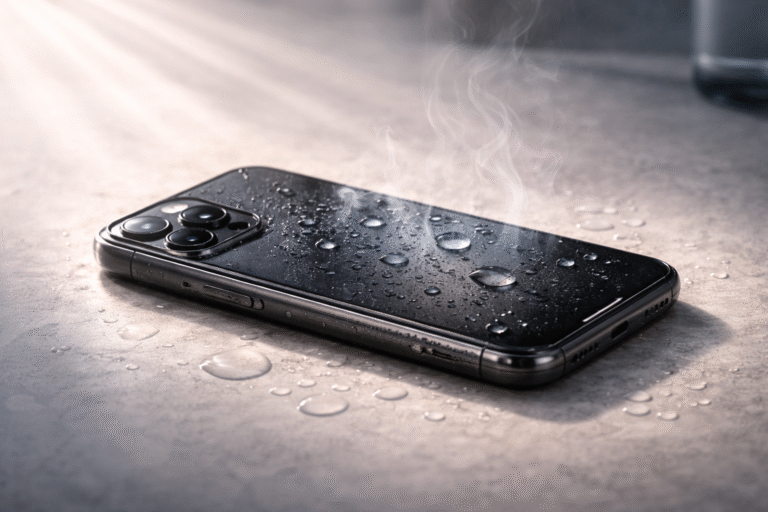
Water damage is one of the most common—and most stressful—problems smartphone users face. Whether your phone slipped into water, got caught in rain, or had a drink spilled on it, acting quickly can make the difference between saving it… or losing it completely.
The first few minutes matter the most. Knowing what to do—and what to avoid—can prevent permanent damage.
The good news is that many camera problems are not hardware failures. In fact, a large percentage are caused by minor system issues that can be fixed quickly at home.
This guide breaks down what’s actually going wrong and shows you practical ways to fix it—without jumping straight to repairs.
What Happens When Your Phone Gets Wet?
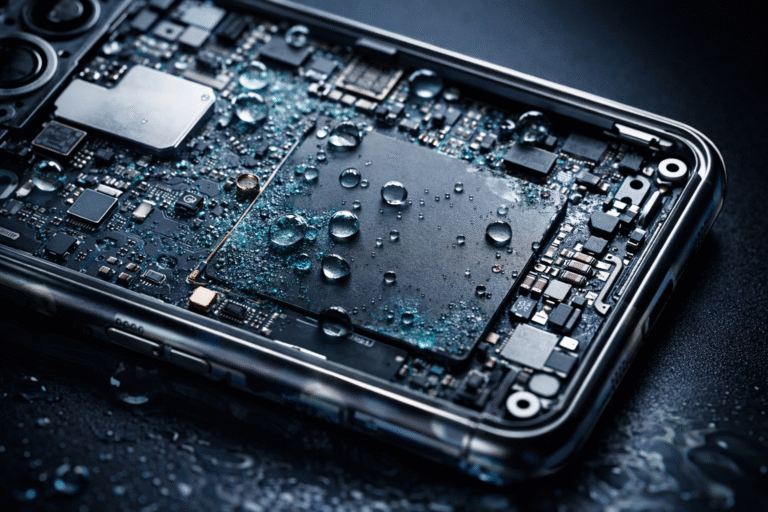
When water enters your phone, it can start affecting internal components almost immediately. Even if the device seems fine at first, moisture can cause corrosion over time, damaging circuits and connectors.
Modern smartphones are tightly packed with sensitive electronics. Water doesn’t just sit there—it spreads into small areas you can’t see, which is why delayed damage is so common.
What To Do First
The moment your phone comes into contact with water, your priority should be to limit further damage.
Start by turning the device off immediately. Even if it’s still working, keeping it powered on increases the risk of short circuits. If possible, remove the SIM card and any external accessories like cases or memory cards.
Next, gently dry the exterior using a soft cloth. Avoid shaking the phone aggressively, as this can push water deeper inside. If your phone allows it, keep it in an upright position so gravity can help drain any moisture.
Place the phone in a dry, well-ventilated area. Airflow is far more effective than most “quick fixes” people try.
What NOT To Do
This is where most people make costly mistakes.
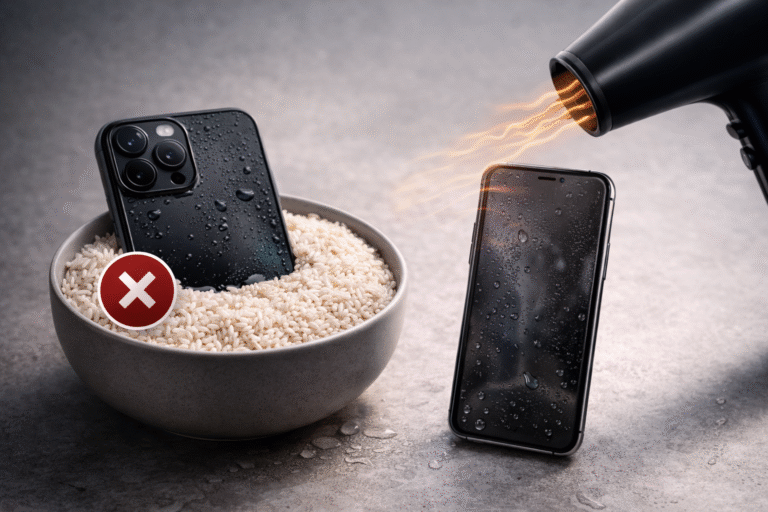
One of the biggest myths is putting your phone in rice. While it may absorb some moisture, it’s slow and unreliable—and tiny particles can even get inside your device.
Using heat is another common mistake. Hairdryers or heaters can push moisture deeper into the phone and damage internal components with excessive heat.
Avoid charging your phone right after water exposure. Plugging it in while moisture is present can cause serious internal damage.
Also, don’t press buttons repeatedly to “test” if it’s working. This can force water further into the device.
Should You Wait or Act Quickly?
Waiting too long is risky. Even if your phone turns back on, hidden moisture can continue damaging internal parts over time.
If the exposure was minimal (like light splashes), basic drying may be enough. But if your phone was submerged or exposed for longer, it’s safer to get it checked professionally.
Early action often means a simple fix. Waiting can turn it into a much bigger (and more expensive) problem.
When You Should Get Professional Help
If your phone shows signs like screen flickering, no sound, charging issues, or camera problems after water exposure, it’s likely that internal components have been affected.
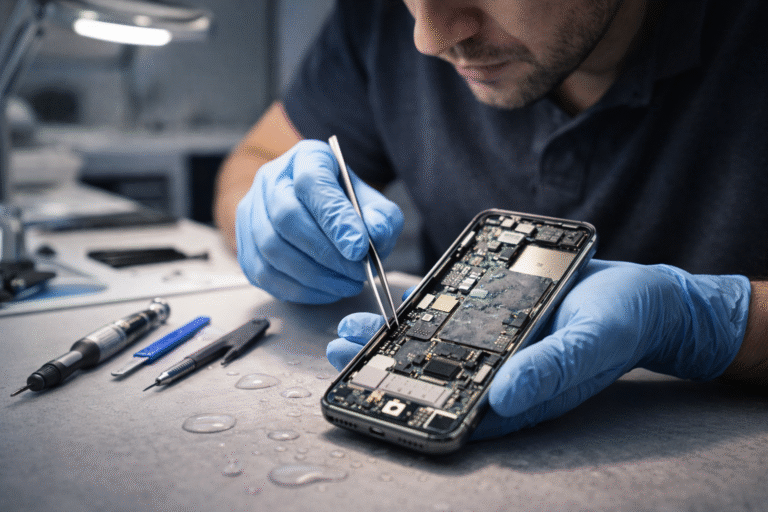
At this stage, proper inspection is important. Professional technicians use specialized tools to safely open the device, remove moisture, and prevent corrosion before it spreads.
Trying to fix internal water damage at home usually does more harm than good.
How To Prevent Water Damage in the Future
Prevention is always easier than repair. Using a good-quality protective case can reduce the risk of damage from accidental spills or drops.
Be mindful of where you place your phone—especially near sinks, pools, or drinks. Even water-resistant phones are not fully waterproof and can still be damaged under certain conditions.
Regularly checking seals and keeping ports clean also helps maintain protection.
Final Thoughts
Water damage doesn’t always mean your phone is beyond repair—but how you respond makes all the difference.
Act quickly, avoid common mistakes, and don’t rely on myths like rice or heat. If you’re unsure, it’s always better to have your device checked sooner rather than later.
A few smart steps can save your phone—and your data.