
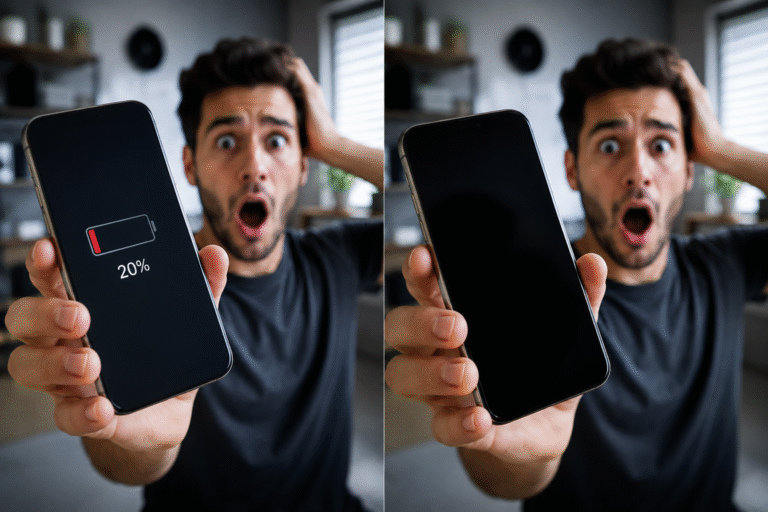
Have you noticed your phone taking much longer to charge than it used to? Whether you own an iPhone, Samsung Galaxy, Google Pixel, Huawei, Xiaomi, or another smartphone, slow charging is a common problem that can be caused by a range of hardware and software issues.
Sometimes the solution is as simple as changing your charging cable. In other cases, the problem may be caused by a worn battery or a damaged charging port that requires professional attention.
This guide explains why your phone may be charging slowly, how to troubleshoot the issue, and when it’s time to visit Phonofix Maldon for expert diagnosis and repair.
Modern smartphones use advanced charging technology designed to recharge batteries quickly and safely. If your device suddenly starts charging more slowly than normal, one or more of the following issues could be responsible.
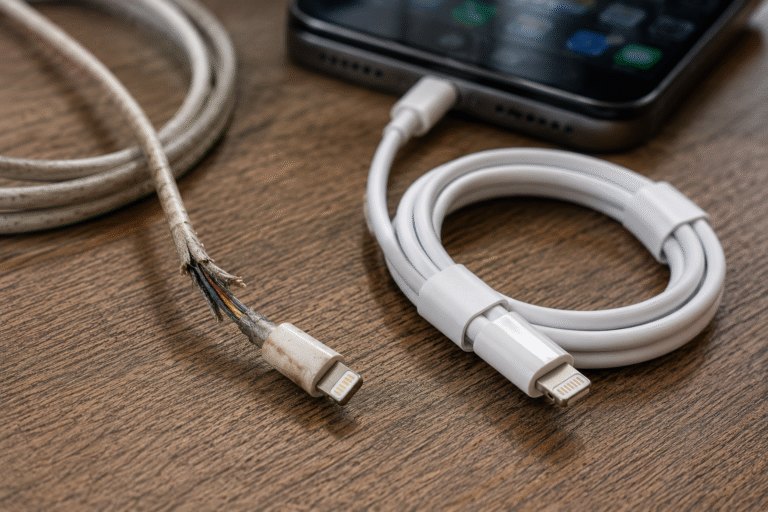
Charging cables are one of the most frequently replaced phone accessories.
Daily bending, twisting and pulling can damage the tiny wires inside, reducing the amount of power reaching your phone.
Signs of a faulty charging cable include:
Replacing a worn cable with a high-quality replacement often restores normal charging speeds.
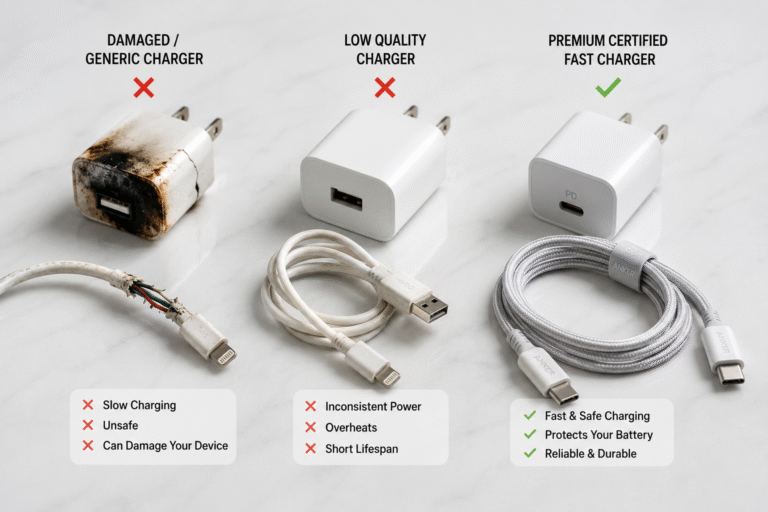
Not all chargers are created equal.
Many inexpensive chargers only supply a small amount of power, meaning your phone charges much more slowly than it should.
Today’s smartphones often support:
Using the correct charger designed for your phone can dramatically reduce charging time.
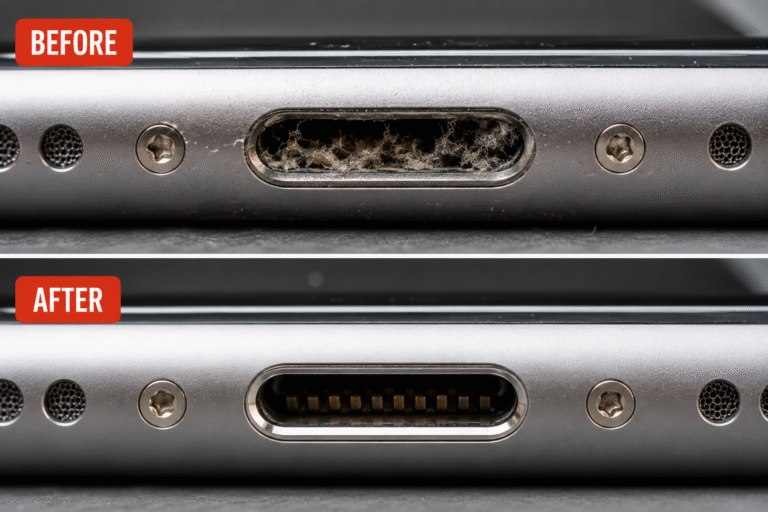
Your charging port collects lint, dust and pocket debris every day.
Over time, this debris prevents the charging connector from fitting properly and reduces electrical contact.
Typical symptoms include:
A professional charging port clean is often enough to solve the problem safely.
Lithium-ion batteries naturally wear out with use.
As battery health declines, charging becomes slower and the battery stores less energy.
Common symptoms include:
If your battery has reached the end of its lifespan, replacing it can restore performance.
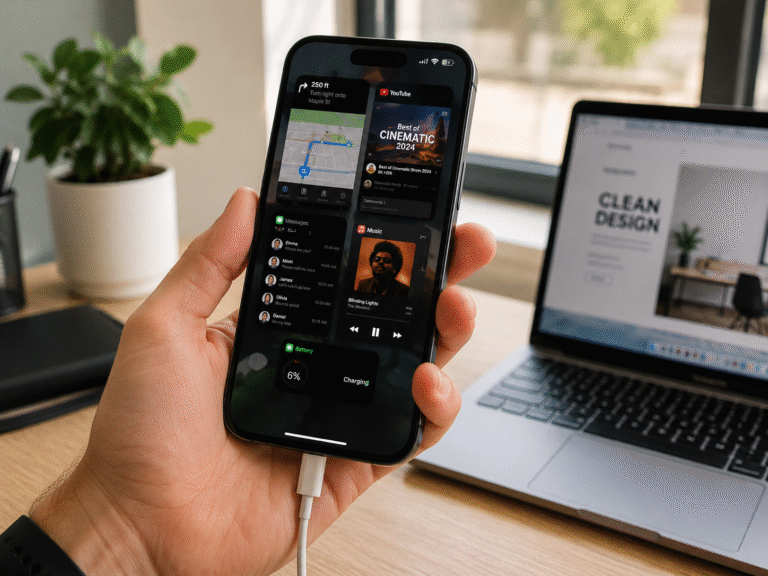
Even while charging, your phone continues using power.
Streaming video, gaming, navigation apps, social media and background updates all consume battery power.
If your phone is working harder than the charger can supply energy, charging will appear much slower.
Try closing unnecessary apps while charging for faster results.
If your phone has been dropped or exposed to moisture, the charging connector may become damaged.
A damaged charging port may cause:
Professional inspection can determine whether the charging port requires repair or replacement.
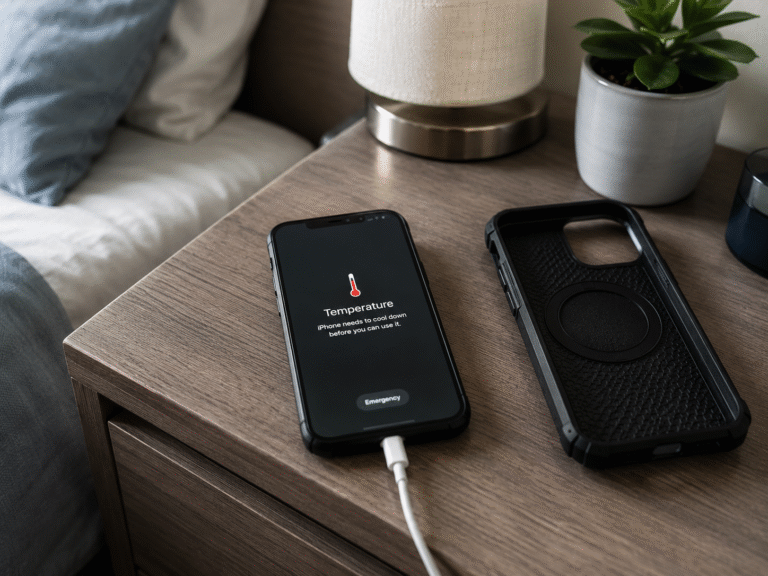
Your smartphone constantly monitors battery temperature.
If it becomes too hot, charging speed is automatically reduced to protect the battery.
Phones commonly overheat because of:
Allowing your phone to cool before charging can improve charging performance.
Occasionally, software bugs can interfere with charging.
Symptoms may include:
Restarting your phone or installing the latest software update may resolve the issue.
Cheap charging accessories may not deliver stable power.
Poor-quality chargers can cause:
Using certified charging accessories helps protect both your battery and your device.
Wireless charging is convenient but is often slower than using a cable.
If you need the quickest charge possible, use a compatible fast wired charger instead.
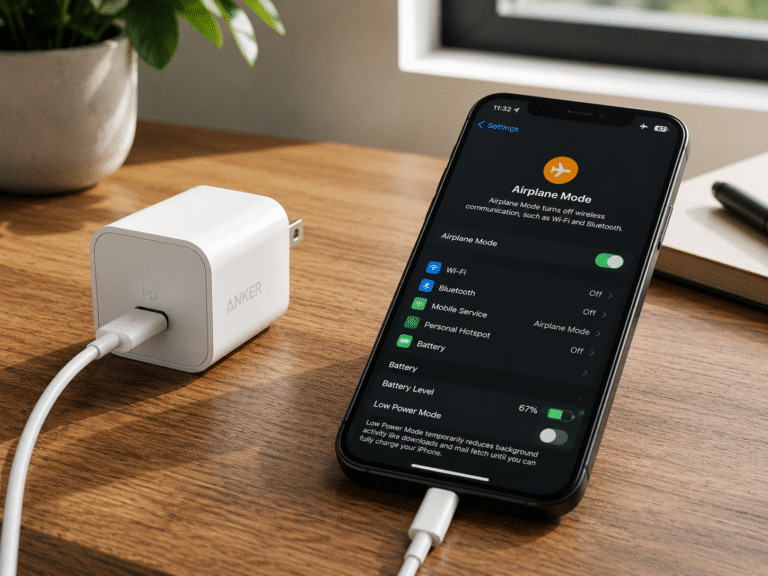
If your phone is charging slowly, try these simple steps:
You may need a new battery if:
Replacing the battery is often far more affordable than replacing the entire phone
Slow charging itself isn’t dangerous, but the underlying cause could become more serious if ignored.
For example:
Early diagnosis often prevents more expensive repairs later.
If your phone still charges slowly after trying different chargers and cables, professional testing can quickly identify the fault.
At Phonofix Maldon, our experienced technicians diagnose and repair charging issues for a wide range of smartphones, including:
Whether the issue is a worn battery, damaged charging port, faulty charging cable or another hardware problem, we’ll recommend the most suitable repair to get your phone charging properly again.
Common causes include damaged charging cables, dirty charging ports, worn batteries, software issues or incompatible chargers.
Yes. Pocket lint and debris can stop the charging connector making proper contact, resulting in slower or intermittent charging.
If the battery is worn out or degraded, replacing it can significantly improve both charging performance and battery life.
Yes. Modern smartphones include built-in charging management systems that safely regulate fast charging when compatible accessories are used.
If the cable feels loose, charging keeps disconnecting or only works at certain angles, the charging port may need professional inspection.