
Smartphones have become an essential part of daily life, and a reliable charging system is critical to keeping them functional. Yet one of the most common problems users experience is charging issues—phones charging slowly, stopping randomly, or not charging at all.
Charging problems can occur due to several reasons, including damaged cables, dust in the charging port, faulty adapters, or battery degradation. Fortunately, most of these issues are easy to diagnose and fix without immediately visiting a repair center.
In this guide, we’ll explore five practical ways to fix and prevent smartphone charging issues so your device stays powered when you need it most.
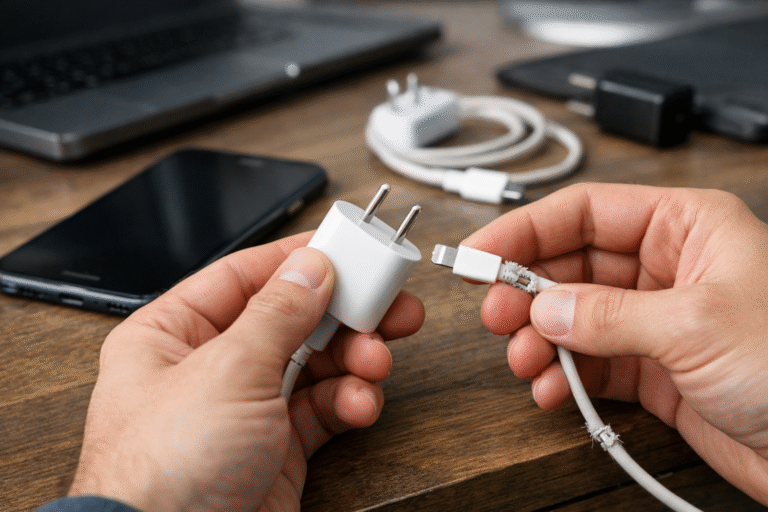
The most common cause of charging problems is damaged charging accessories.
Charging cables bend, twist, and wear out over time. Internal wires can break even if the outside of the cable looks fine. Similarly, a faulty charging adapter may fail to deliver the correct power output.
Try using another charging cable to test your phone.
Use a different power adapter or wall socket.
Check if your charger supports the correct fast-charging standard for your device.
Always use original or certified chargers.
Avoid bending cables sharply near the connector.
Replace cables showing frayed wires or loose connectors.
Using low-quality accessories can not only slow down charging but also damage your battery in the long run.
Dust, lint, and pocket debris often accumulate inside a phone’s charging port. This buildup can prevent the charging cable from making proper contact with the connectors.
When this happens, your phone may:
Charge intermittently
Charge very slowly
Stop charging completely
Turn off your phone.
Use a wooden toothpick or soft brush to gently remove debris.
You can also use compressed air to blow dust out of the port.
Avoid keeping your phone in dusty pockets or bags.
Clean the charging port periodically to prevent buildup.
Be careful not to use metal objects to clean the port, as they can damage internal pins.
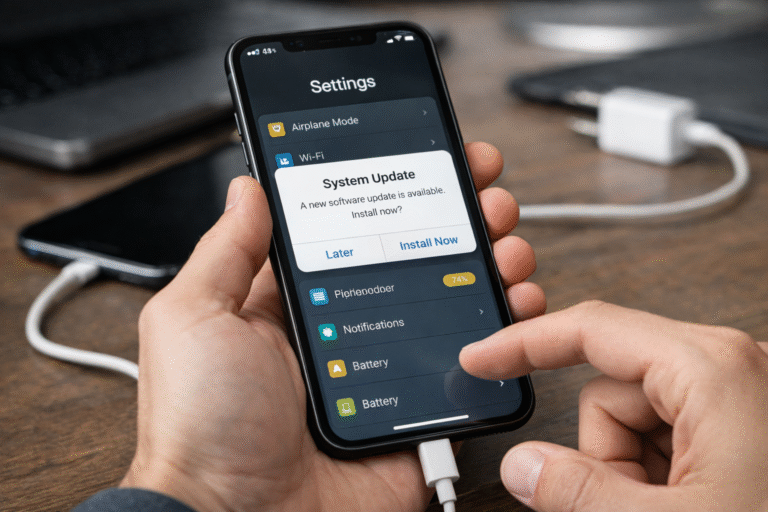
Sometimes charging problems are not hardware-related but software glitches.
Background apps, system bugs, or outdated software can interfere with the charging process and battery management.
Restart your phone to refresh the system.
Check for software updates in your device settings.
Close unnecessary background apps.
Keep your phone updated with the latest system software.
Avoid installing untrusted apps that may affect system performance.
A simple restart often resolves temporary charging glitches.
If your phone is several years old, the battery itself may be the problem. Smartphone batteries degrade over time and lose their ability to hold or receive charge efficiently.
Common symptoms of battery wear include:
Phone charging very slowly
Battery draining quickly
Phone shutting down unexpectedly
Check battery health in system settings or diagnostic apps.
Replace the battery if its capacity has significantly declined.
Avoid letting your battery drop to 0% frequently.
Keep battery levels between 20% and 80% when possible.
Avoid exposing your phone to extreme heat.
Good charging habits can significantly extend battery lifespan.
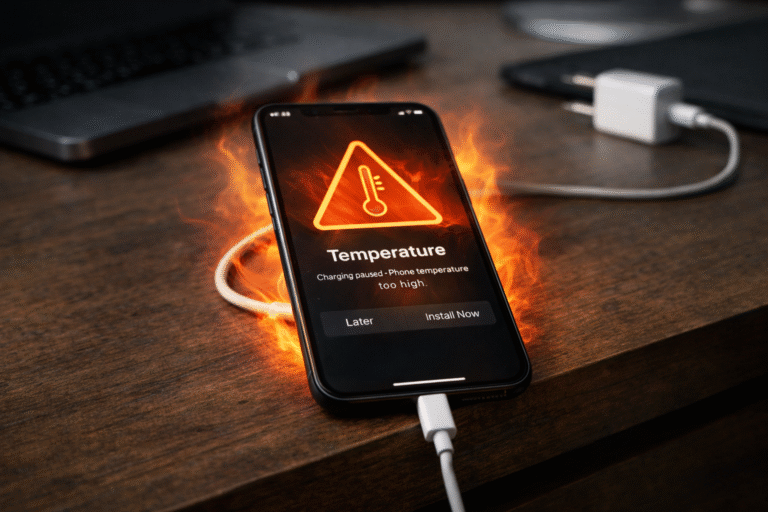
Heat is one of the biggest enemies of smartphone batteries. When a device overheats during charging, the system may slow down charging or stop it completely to protect the battery.
This can happen if you:
Use your phone heavily while charging
Charge the phone in hot environments
Use incompatible fast chargers
Stop using the phone while charging.
Remove thick phone cases that trap heat.
Charge your device in a cool, well-ventilated area.
Avoid gaming or heavy video streaming while charging.
Do not place your phone under pillows or blankets during charging.
Keeping your phone cool helps maintain battery efficiency and safety.
Charging issues can be frustrating, but in most cases they are easy to diagnose and fix. Problems usually stem from damaged accessories, dust in the charging port, software glitches, battery wear, or overheating.
By following these five tips—checking your charger, cleaning the port, updating software, monitoring battery health, and preventing overheating—you can resolve most charging problems and prevent them from happening again.
Taking care of your charging setup not only keeps your phone powered but also extends the lifespan of your battery and device.