Simple DIY Fixes for the 10 Most Common Phone Problems
Table of Contents
Your smartphone is one of your most important everyday tools — for work, banking, photos, navigation, and staying connected with family and friends. So when something goes wrong, it can feel frustrating and stressful.
The good news is that many common smartphone issues can be fixed at home with a few simple steps.
At Phonofix Maldon, we believe that informed customers make better decisions. In this guide, we’ll walk you through 10 of the most common smartphone problems and what you can try before bringing your device in for repair.
If these steps don’t work — that’s when our experienced team in Maldon, Essex is here to help with fast, professional repairs.
Let’s dive in 👇
1. Your Phone Is Running Slow
Why this happens:
Too many apps running in the background
Not enough storage
Old software
Too much cached data
What you can do:
✔ Restart your phone ✔ Delete apps you no longer use ✔ Clear cached data (Settings → Storage → Cache) ✔ Install the latest software updates ✔ Turn off background app refresh
If your phone is still sluggish, you may need a professional software refresh — something we handle safely at Phonofix Maldon without risking your data.
2. Battery Drains Too Quickly
Common causes:
Ageing battery
Too many background apps
Screen brightness set too high
Constant location tracking
Try these fixes:
✔ Lower screen brightness ✔ Turn off location services when not needed ✔ Close unused apps ✔ Avoid overnight charging ✔ Turn on battery saver mode
If your battery still struggles to last the day, a battery replacement could be the best solution — and it’s a quick, affordable service at Phonofix.
3. Phone Keeps Overheating
This usually happens when:
You run heavy apps like games or maps for long periods
You charge with a damaged cable
Your phone sits in direct sunlight
Too many apps are open at once
What to do:
✔ Take off your phone case ✔ Close background apps ✔ Stop charging temporarily ✔ Move your phone to a cooler place
If overheating continues, there may be an internal issue that needs expert inspection at Phonofix Maldon.
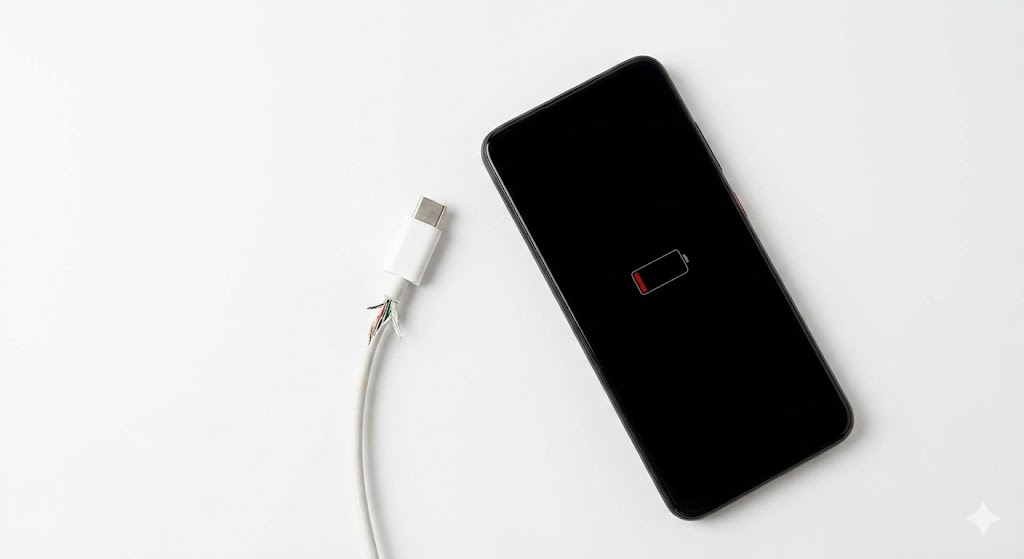
4. Phone Won’t Charge
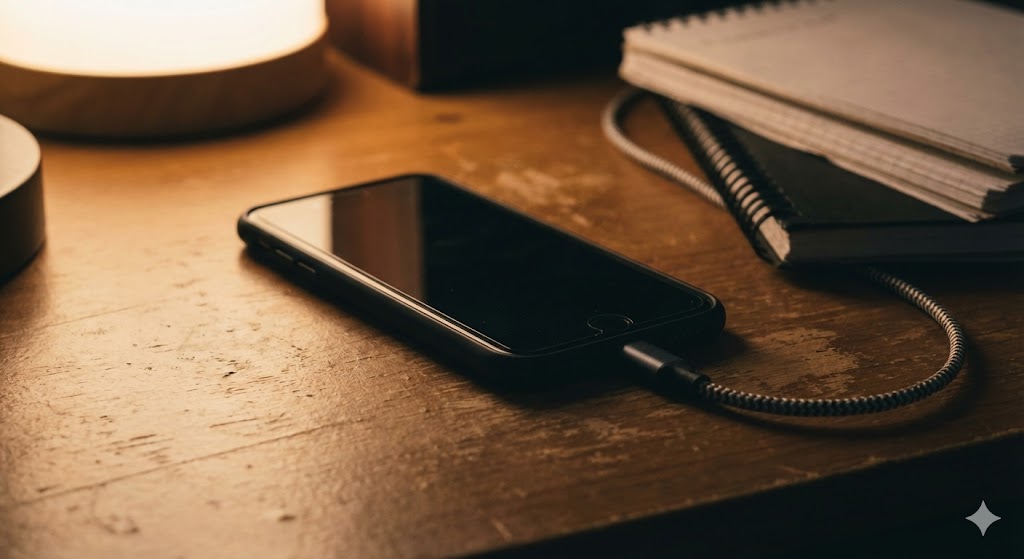
Before panicking, try this: ✔ Swap your charging cable ✔ Use a different plug socket ✔ Gently clean the charging port with a soft brush ✔ Try wireless charging if your phone supports it
If none of this works, your charging port may need cleaning or repair — a very common issue we fix daily in Maldon.
5. Touchscreen Not Working Properly
This can be caused by:
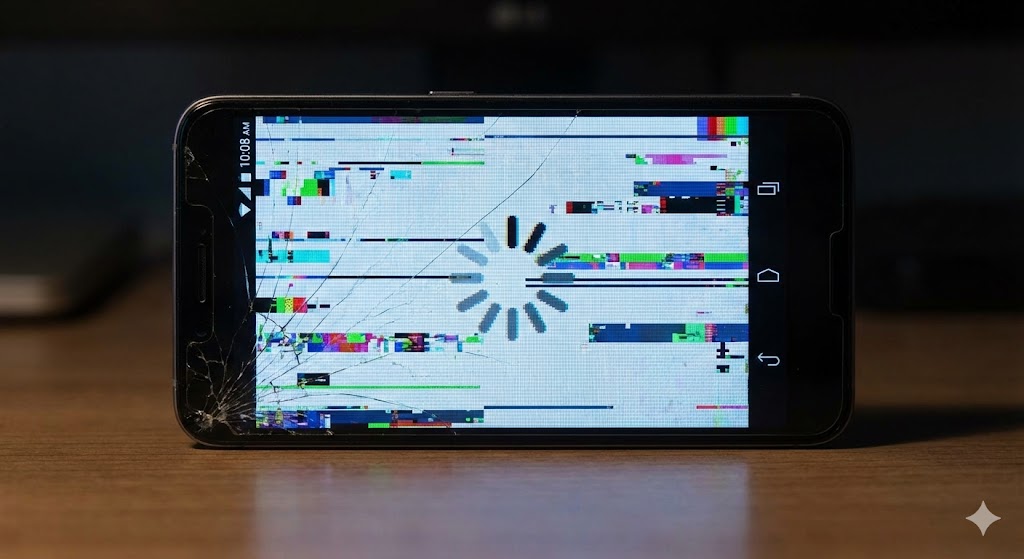
A cracked screen
Water damage
A software glitch
Dirt or grease on the display
Try:
✔ Cleaning the screen thoroughly ✔ Removing your screen protector ✔ Restarting your phone
If the touchscreen still misbehaves, you may need a screen replacement — one of our most requested services at Phonofix.
6. Wi-Fi or Mobile Data Not Connecting
Try these quick steps: ✔ Turn airplane mode on and off ✔ Restart your phone ✔ Forget and reconnect to your Wi-Fi network ✔ Reset network settings