Speed Up Your Phone: Easy Optimization Tips That Actually Work
Table of Contents
If your smartphone feels slower than it used to, you’re not alone. Over time, every phone collects unnecessary files, outdated apps, and background processes that can affect performance. Fortunately, you don’t always need to replace your device. A few simple changes can often make your phone feel much faster.
At Phonofix Maldon, we regularly help customers from Maldon, Heybridge, Burnham-on-Crouch, Southminster, Chelmsford, Witham, and surrounding Essex areas improve their smartphone performance. Whether you own an iPhone, Samsung Galaxy, Google Pixel, Xiaomi, OnePlus, or another Android device, these optimization tips can help keep your phone running smoothly.
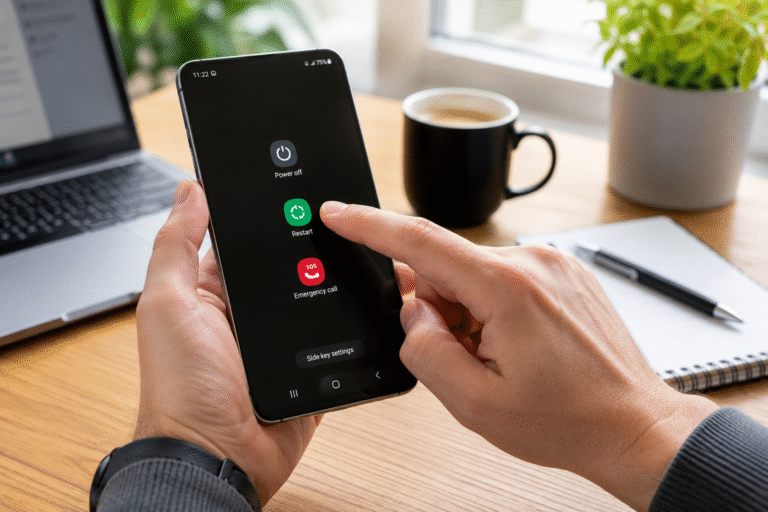
Restart Your Phone More Often
Many people rarely switch their phones off, but restarting your device is one of the easiest ways to improve performance.
Restarting your phone:
Clears temporary memory
Stops unnecessary background processes
Refreshes system resources
Resolves minor software glitches
Restarting your phone once a week can help maintain consistent performance.
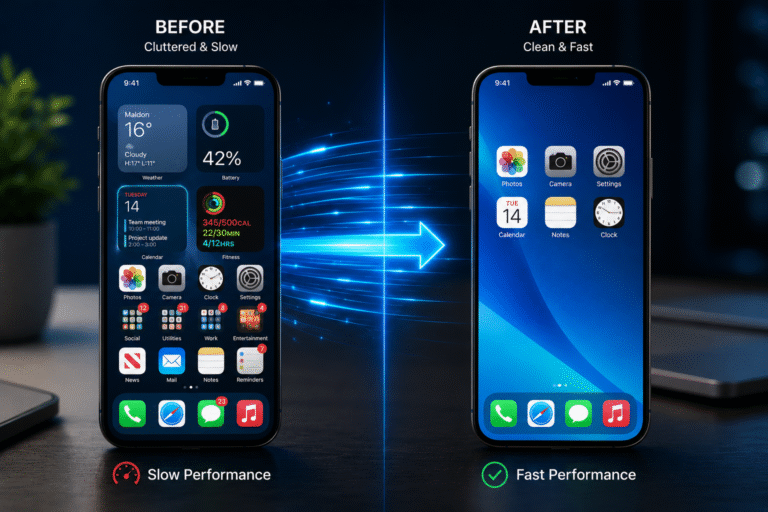
Remove Apps You No Longer Need
Unused apps don’t just take up storage—they may also continue running in the background.
Review your installed apps and uninstall anything you no longer use, including:
Old games
Shopping apps
Duplicate photo editors
Unused social media apps
Fewer apps often mean better speed and improved battery life.
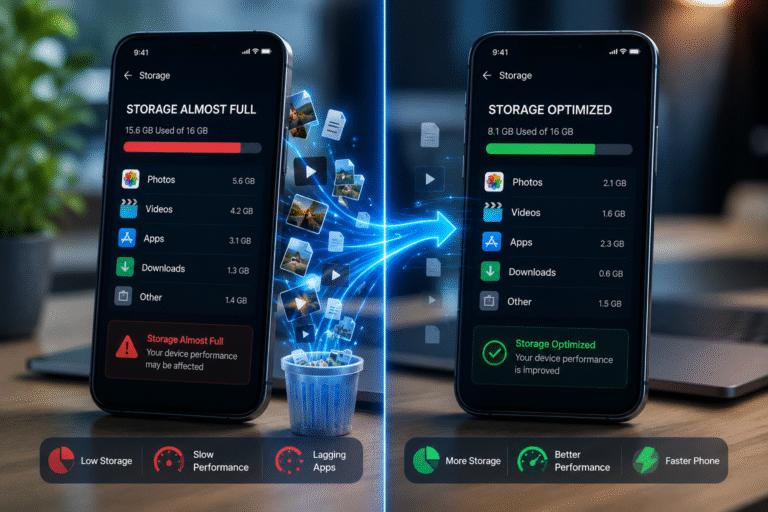
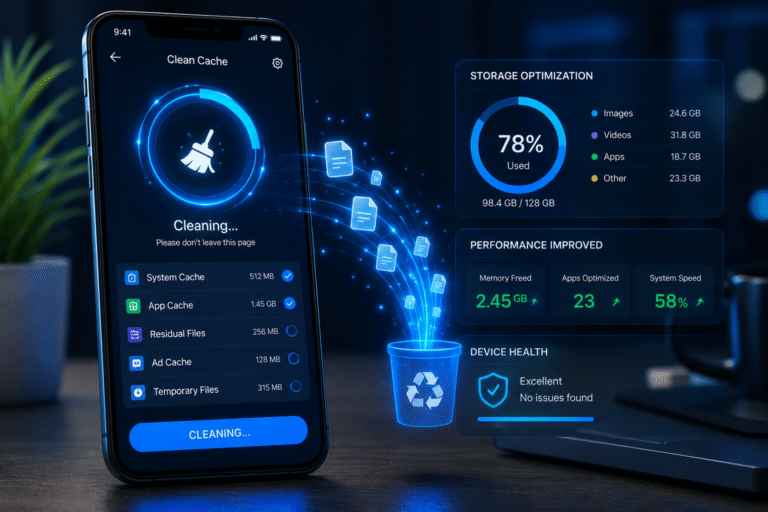
Free Up Storage Space
A nearly full phone can become noticeably slower.
Try to keep at least 10% to 20% of your storage free by:
Sometimes performance problems are caused by hardware rather than software.
Common issues include:
Worn batteries
Faulty charging ports
Water damage
Overheating components
Internal hardware faults
If optimization doesn’t improve performance, a professional inspection can identify the underlying problem before it becomes more expensive to repair.
Professional Smartphone Repairs in Maldon
At Phonofix Maldon, we provide expert smartphone repairs for customers throughout Maldon and the surrounding Essex area.
Our services include:
Battery replacements
Screen repairs
Charging port repairs
Back glass replacement
Camera repairs
Water damage diagnostics
Software troubleshooting
Performance checks
Our experienced technicians work with Apple iPhones, Samsung Galaxy devices, Google Pixel smartphones, Xiaomi, OnePlus, Huawei, Motorola, Honor, and many other leading brands.
Final Thoughts
A slow smartphone doesn’t necessarily mean it’s time to buy a new one. Regular maintenance, software updates, storage management, and battery care can significantly improve performance and extend the life of your device.
If you’ve tried these optimization tips and your phone is still running slowly, visit Phonofix Maldon. Our expert technicians can diagnose the issue, recommend the right solution, and help restore your smartphone to peak performance.