Why Does My Phone Battery Drop from 20% to 0%?

Table of Contents

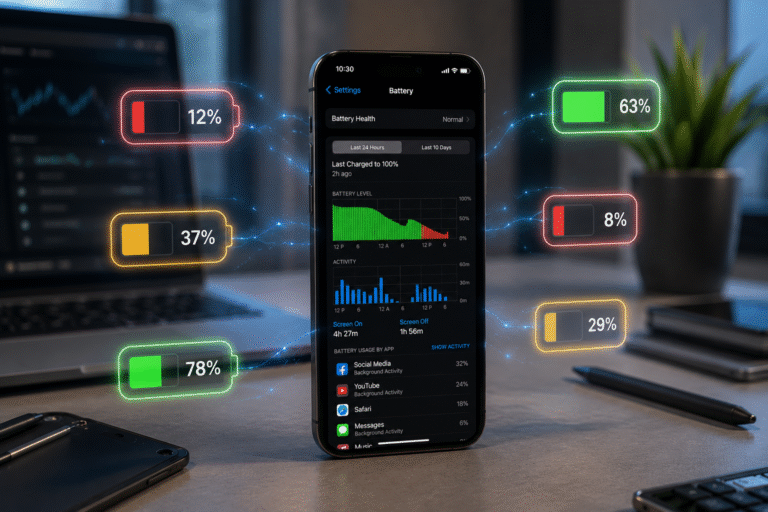
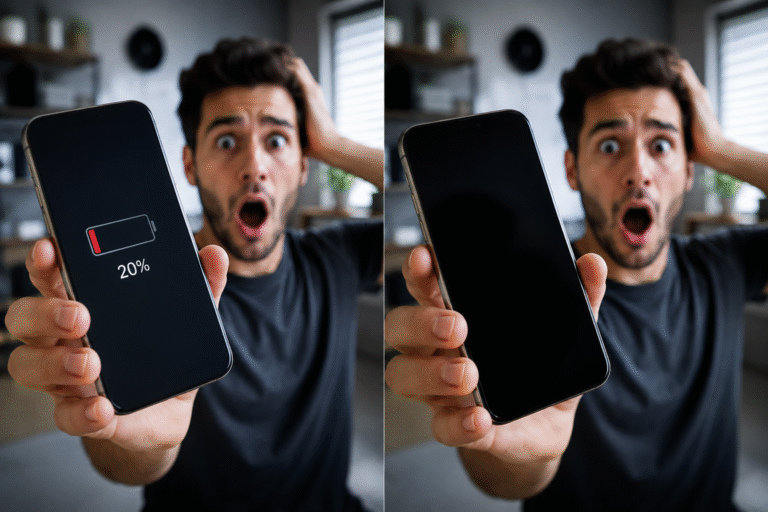
You’re using your phone as normal, the battery indicator shows 20%, and then—without warning—it shuts down completely. If you’ve experienced your smartphone battery dropping from 20% to 0%, you’re not alone. This is one of the most common issues smartphone users face, regardless of whether they own an iPhone, Samsung Galaxy, Google Pixel, or another Android device.

While it can be frustrating, the good news is that this problem usually has an identifiable cause. In many cases, it can be resolved through maintenance, software updates, or a professional battery replacement.

In this guide, we’ll explain why your phone battery suddenly dies, how to diagnose the issue, and when it’s time to seek professional repair.

Why Does My Phone Battery Suddenly Drop from 20% to 0%?

A healthy smartphone battery should discharge gradually and display an accurate battery percentage. When your phone suddenly loses power despite showing remaining battery life, it usually indicates that something is preventing the battery management system from accurately measuring the battery’s remaining capacity.

Several factors can contribute to this issue.

ChatGPT Image Jul 3 2026 10 53 47 AM

1. Your Battery Has Naturally Worn Out

Lithium-ion batteries don’t last forever.

Every time you fully charge and discharge your phone, it completes part of a charging cycle. After hundreds of cycles, batteries gradually lose their ability to hold a charge.

As the battery ages:

  • Battery percentage becomes less accurate
  • Voltage drops more quickly
  • The phone shuts down before reaching 0%
  • Battery life becomes noticeably shorter

If your device is several years old, battery wear is often the most likely explanation.

2. Battery Calibration Issues

Sometimes the battery itself is still functional, but the software no longer correctly estimates the remaining charge.

This can happen after:

  • Major operating system updates
  • Long periods without full charging cycles
  • Unexpected shutdowns
  • Battery replacement using poor-quality components

The result is an inaccurate battery percentage that suddenly jumps from 20% to 0%.

ChatGPT Image Jul 3 2026 10 31 02 AM

3. Background Apps Are Draining Power

Modern smartphones constantly run applications in the background.

These apps may include:

  • Social media
  • GPS services
  • Cloud backups
  • Email syncing
  • Streaming services
  • Gaming applications

When several demanding apps run simultaneously, battery consumption increases dramatically.

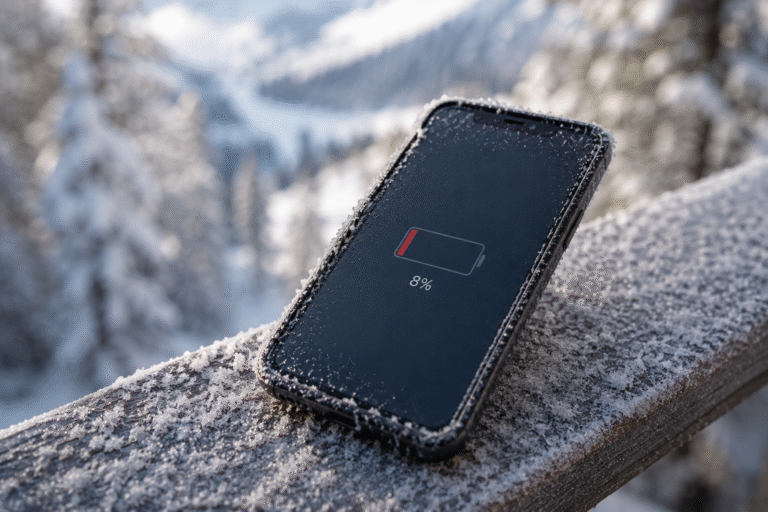
4. Cold Temperatures Affect Battery Performance

Lithium-ion batteries perform poorly in cold weather.

When temperatures drop:

  • Chemical reactions inside the battery slow down.
  • Voltage decreases.
  • Battery percentage may suddenly fall.
  • The phone may unexpectedly power off.

Fortunately, this is usually temporary once the phone returns to normal temperature.

ChatGPT Image Jul 3 2026 10 35 45 AM

5. Software Bugs

Occasionally, software problems cause inaccurate battery readings.

These issues can appear after:

  • Android updates
  • iOS updates
  • Beta software
  • Corrupted system files

Keeping your phone updated often resolves battery reporting issues.

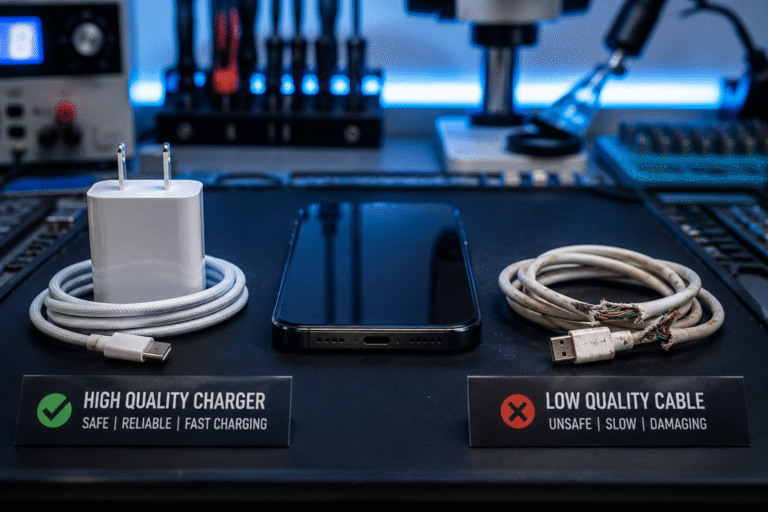
6. Faulty Charging Habits

Using damaged charging cables or low-quality chargers can reduce battery performance over time.

Poor charging practices may include:

  • Cheap uncertified chargers
  • Damaged charging cables
  • Excessive heat while charging
  • Frequent deep discharges

Using manufacturer-approved or high-quality charging accessories helps extend battery lifespan.

ChatGPT Image Jul 3 2026 10 38 55 AM

7. Internal Battery Damage

A battery can also become physically damaged through:

  • Drops
  • Water damage
  • Excessive overheating
  • Manufacturing defects

Internal battery damage may cause:

  • Random shutdowns
  • Swollen batteries
  • Rapid battery drain
  • Charging problems

Professional diagnosis is recommended if these symptoms appear.

How to Check Whether Your Battery Is the Problem

How to Check Whether Your Battery Is the Problem

Watch for these warning signs:

  • Battery drains unusually quickly
  • Phone switches off unexpectedly
  • Device becomes warm during normal use
  • Battery percentage changes suddenly
  • Charging takes much longer than before
  • Phone needs charging multiple times a day

If you notice several of these symptoms together, your battery may need replacing.

ChatGPT Image Jul 3 2026 10 53 17 AM

Can You Fix the Problem Yourself?

Before replacing the battery, try these simple steps:

Restart Your Phone

A restart clears temporary software glitches.

Install Software Updates

Manufacturers frequently release battery optimisation improvements.

Reduce Background Activity

Limit apps running in the background to reduce unnecessary battery consumption.

Lower Screen Brightness

The display is usually the biggest power consumer.

Enable Battery Saver Mode

Most smartphones include built-in power-saving features.

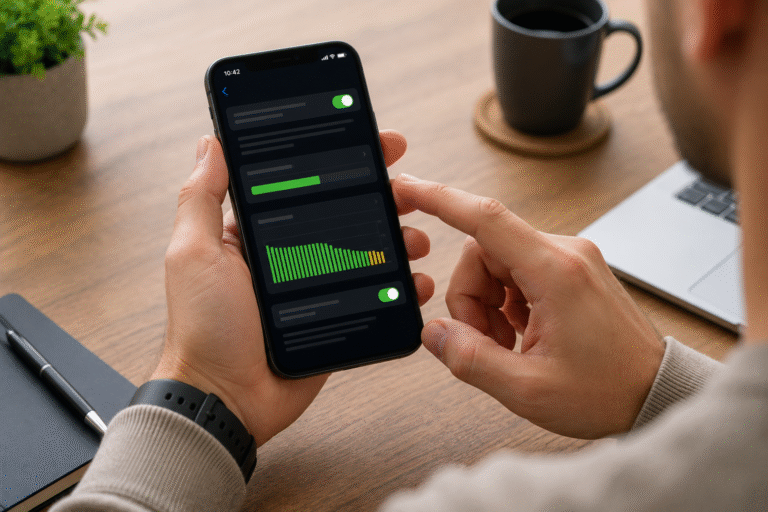
Check Battery Health

Many devices provide battery health information within system settings.

When Should You Replace Your Phone Battery?

Battery replacement is often the most effective solution if:

  • Your battery drains rapidly every day.
  • The phone shuts down unexpectedly.
  • Battery health has significantly declined.
  • Charging performance has deteriorated.
  • The battery percentage becomes unreliable.

Replacing the battery restores normal performance and can significantly extend the life of your smartphone.

Why Choose Professional Battery Replacement?

Professional technicians use the correct tools and high-quality replacement batteries to ensure safe installation.

Professional repair also helps prevent:

  • Internal component damage
  • Poor-quality battery installations
  • Charging problems
  • Safety risks

Attempting DIY battery replacement without the proper equipment may cause permanent damage.

How to Extend Your Battery Life

Professional technicians use the correct tools and high-quality replacement batteries to ensure safe installation.

Professional repair also helps prevent:

  • Internal component damage
  • Poor-quality battery installations
  • Charging problems
  • Safety risks

Attempting DIY battery replacement without the proper equipment may cause permanent damage.

Get Expert Smartphone Battery Repairs at Phonofix Maldon

If your phone battery suddenly drops from 20% to 0%, don’t ignore the warning signs. While some battery issues can be caused by software, persistent shutdowns usually indicate battery wear or hardware faults that require professional attention.

At Phonofix Maldon, our experienced technicians diagnose battery problems for a wide range of smartphones, including Apple iPhone, Samsung Galaxy, Google Pixel, Xiaomi, OnePlus, Motorola, Huawei, Honor, and many other popular brands. We use premium-quality replacement parts and professional repair equipment to restore reliable battery performance.

Whether your battery drains too quickly, your phone won’t hold a charge, or it powers off unexpectedly, we’re here to help with fast, dependable repair services.

Contact Phonofix Maldon today to book a professional battery diagnostic and restore your phone’s battery performance with confidence.

Post Views: 40

Get a free quote